
| News & Updates Troubleshooting Blender Scripts |
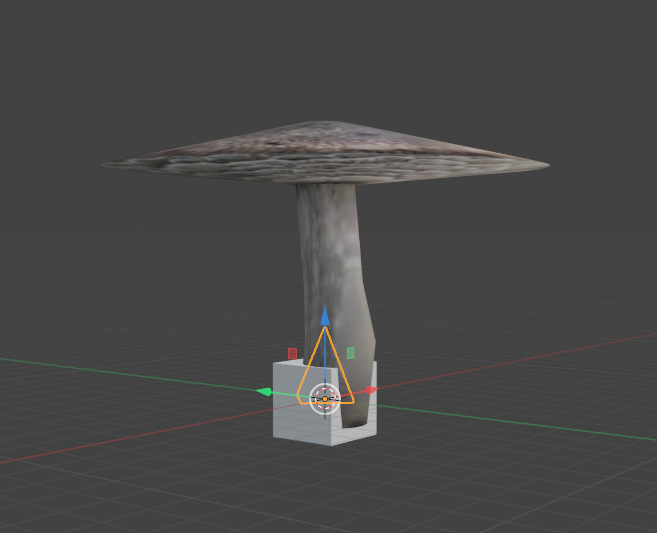
Halo 3 DecoratorsTo create custom decorators, you need at least 3 objects: A base, a node, and the object you want to make into a decorator. The base is usually a triangular object and, like the node, is mostly used to organize your variants. The base triangle, the node cube, and the mushroom object.
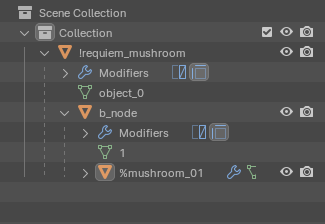
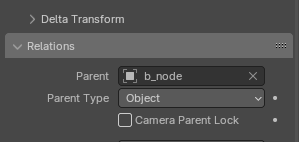
You'll want to "Parent to Object" in the order shown here.
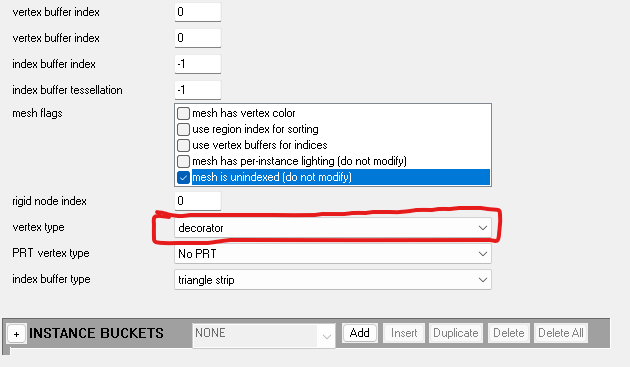
Once you've imported your object, open the render_model and scroll down.
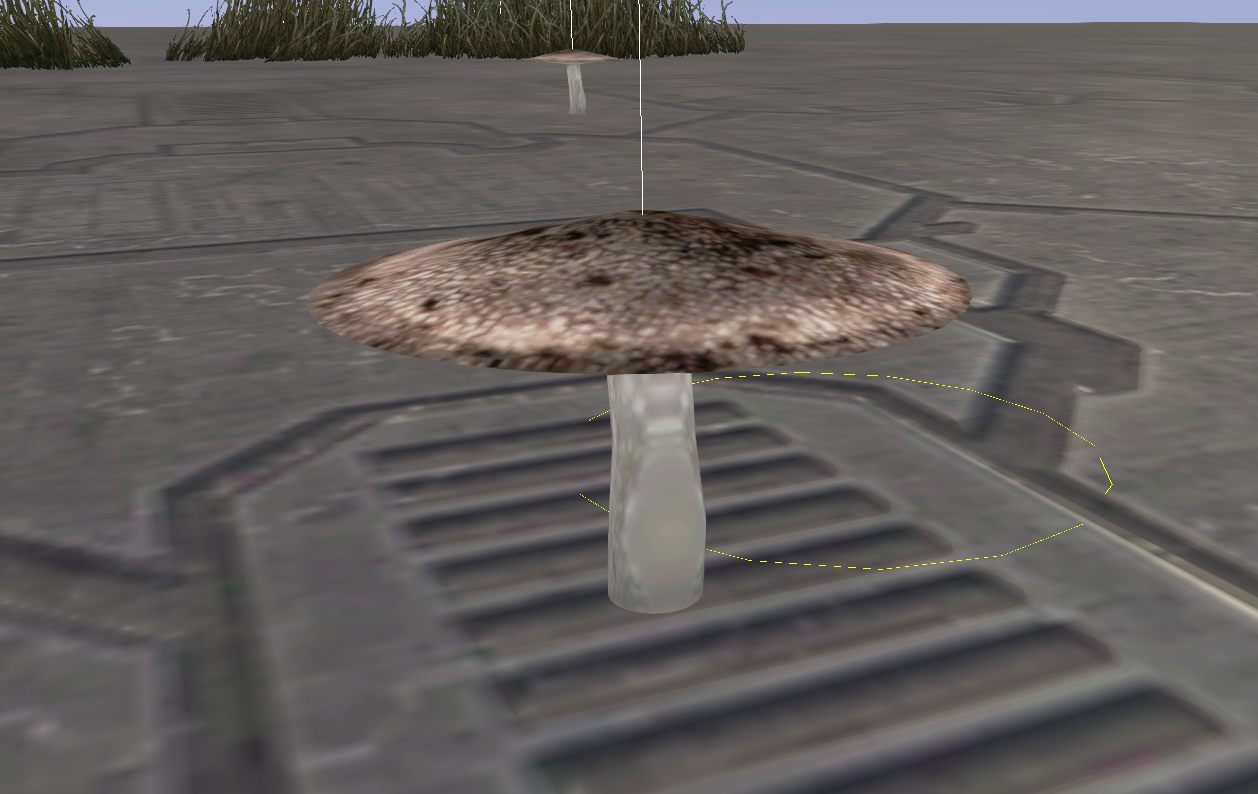
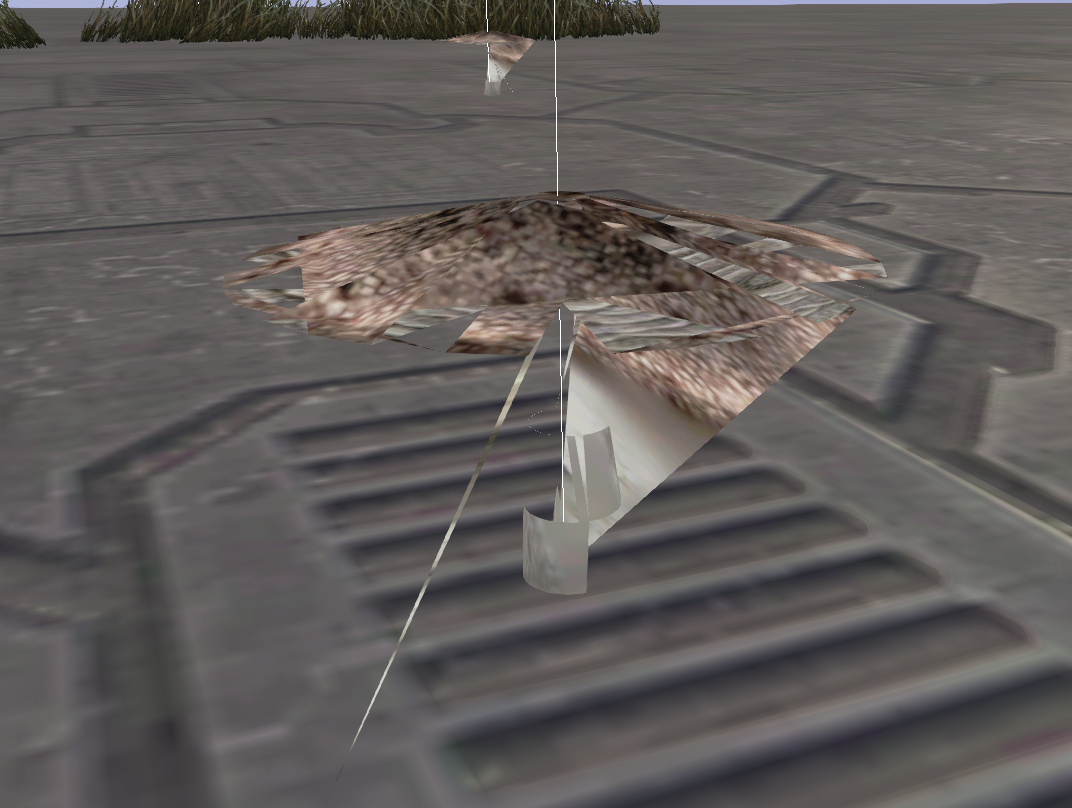
If you do not change the vertex type and check the mesh unindexed options,
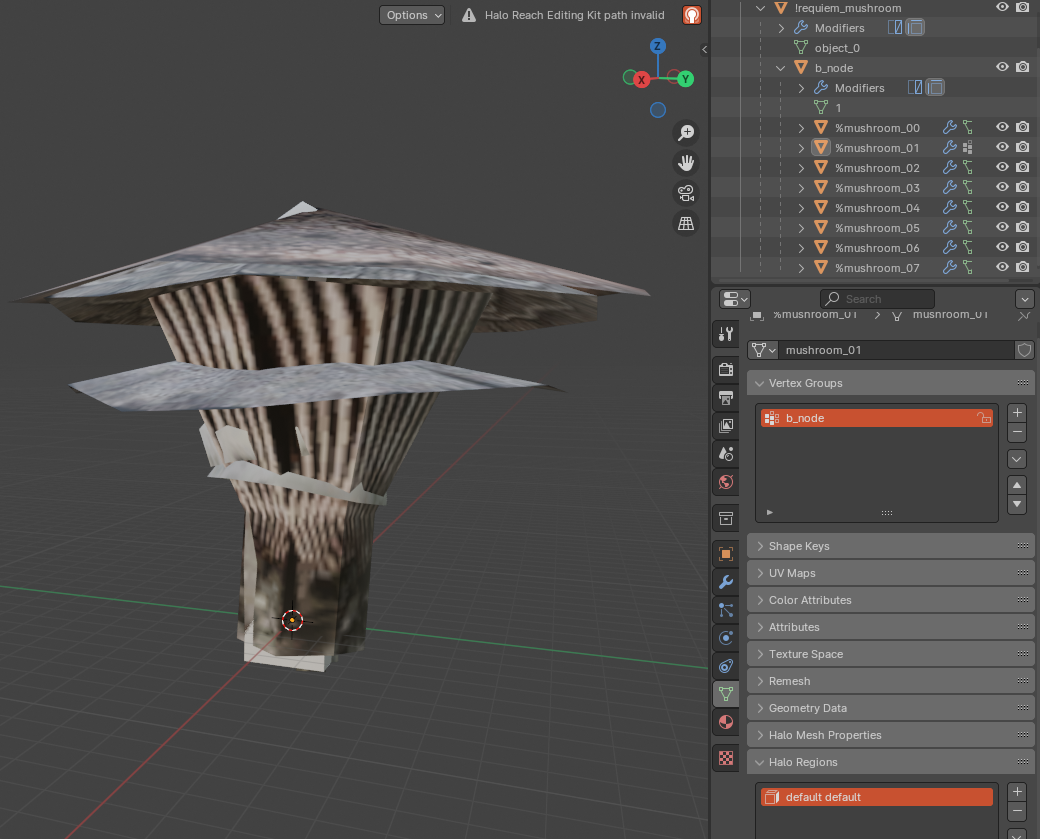
To create variants, give the other objects the same name but change the number in the sequence.
|
This website is © 2026 Hyokin.
Halo © Bungie Inc., 1999-2012, Microsoft 2012-2026